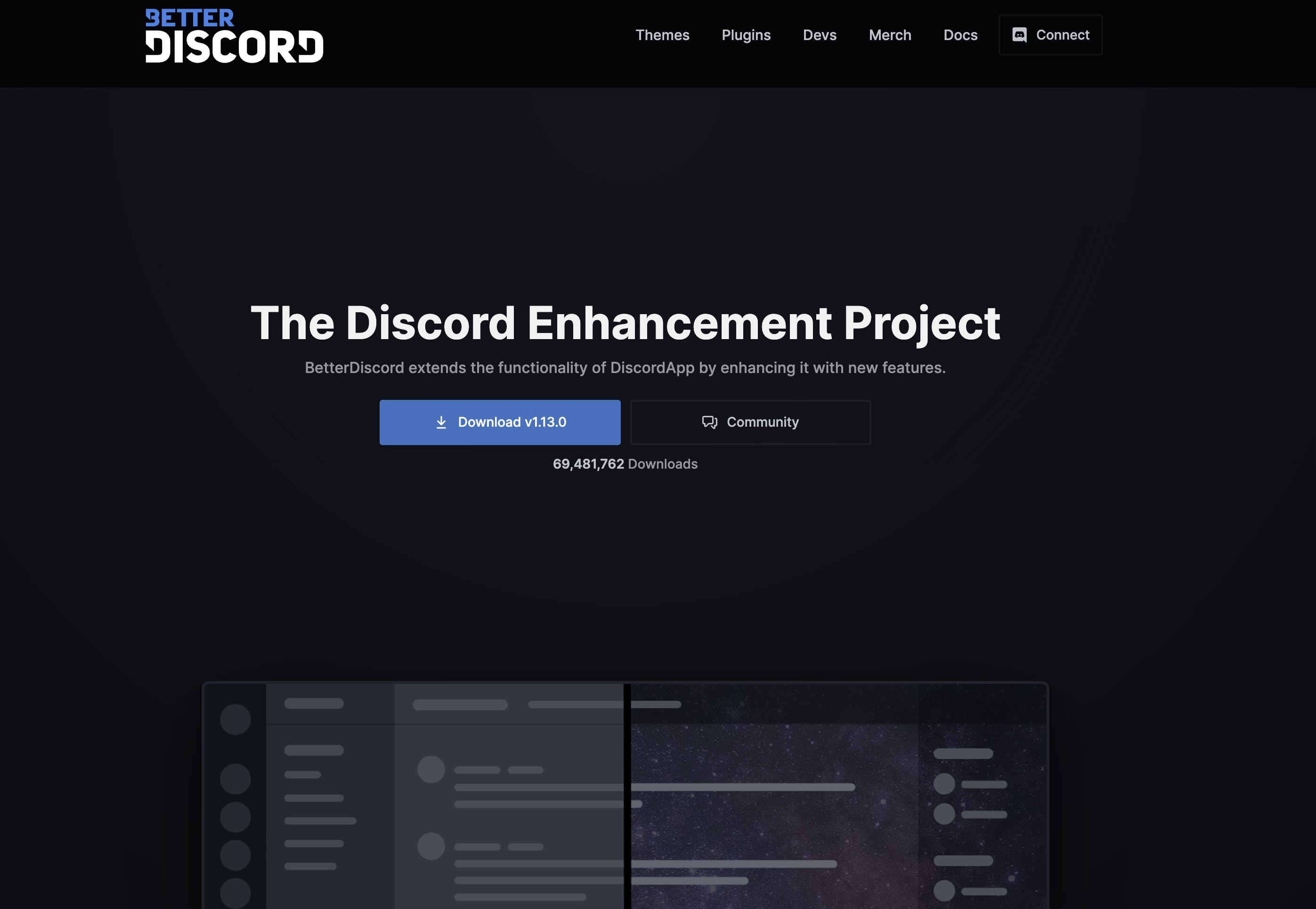
betterdiscord.app is the official site for BetterDiscord, a community-made modification for the desktop Discord client that adds support for custom themes, plugins, and advanced UI customization. It offers downloads, documentation, and a catalog of user-created extensions, while clearly warning that client modifications are against Discord’s Terms of Service.
What BetterDiscord Is
BetterDiscord is presented as a Discord client modification that layers extra functionality on top of the official Discord app. It does not replace Discord; instead, it patches the existing client to add:
- Support for custom themes (visual appearance)
- Support for plugins (extra features and tweaks)
- Additional UI customization, such as custom CSS
The homepage positions it as a way to “enhance” or “customize” Discord beyond the official capabilities.
Key Sections of the Site
1. Download / Installation
The site provides a Download section where users can get the BetterDiscord installer for desktop platforms (primarily Windows, with instructions/links for macOS and Linux).
Typical flow described:
- Download the installer.
- Run it and select the installed Discord version.
- Let it patch the client.
- Restart Discord to see BetterDiscord controls (usually a new section in Discord’s settings for Themes/Plugins).
There are also links to documentation or guides for installation, troubleshooting, and common issues (for example, if Discord updates and breaks the mod).
2. Themes
The Themes section is a gallery of community-created visual styles for Discord. From the site:
- Themes change colors, backgrounds, spacing, and overall look of Discord.
- They are usually installed by:
- Downloading a theme file.
- Placing it into the BetterDiscord themes folder.
- Enabling it in Discord’s BetterDiscord settings.
The gallery typically includes:
- Search and/or filters (by popularity, newest, etc.).
- Theme cards with name, author, short description.
- Download buttons and sometimes preview images.
3. Plugins
The Plugins section works similarly to Themes but focuses on functional extensions instead of visuals. Common categories include:
- Quality-of-life improvements (e.g., timestamp tweaks, extra controls).
- UI additions (e.g., hiding certain elements, showing extra info).
- Misc utilities (e.g., quick actions, integrations).
From the site structure:
- Each plugin has a name, author, brief description, and download.
- Installation is typically via placing the plugin file into the BetterDiscord plugins folder and enabling it in settings.
- Some plugins may require configuration through their own settings panel in Discord.